
Affiliate disclosure: This article contains affiliate links. If you sign up for Publer through a link on this page, CyberTrickz may earn a small commission — at no extra cost to you. We only recommend tools we genuinely believe are worth your time.
If you manage more than one social media account, you already know the pain: hopping between a dozen tabs, re-uploading the same video to five different apps, forgetting to post at the “right” time, and never quite knowing whether any of it is working.
I’ve tested a lot of social media tools over the years here at CyberTrickz, and Publer is one of the few that genuinely earns the “all-in-one” label. It’s a scheduling, analytics, collaboration, and AI content platform rolled into one clean dashboard — and it’s priced for real people and small teams, not just agencies with big budgets.
In this review I’ll walk you through exactly what Publer does, who it’s for, its standout features, pricing, and whether it deserves a spot in your workflow.
👉 Try Publer for free here — no credit card required to start.
What Is Publer?
Publer is a social media management platform that lets you create, schedule, publish, and analyze content across all your social accounts from a single dashboard. Think of it as mission control for your entire social presence.
Instead of logging into Instagram, then Facebook, then LinkedIn, then TikTok — you connect them all to Publer once, then plan and publish everything in one place. You can queue up weeks of content in an afternoon, recycle your best-performing posts automatically, and let its built-in AI help you write captions when inspiration runs dry.
It works right in your browser, has native iOS and Android apps, and even a browser extension so you can schedule content from anywhere on the web.
Who Is Publer For?
- Solo creators & influencers who want to stay consistent without living inside their phone.
- Small business owners struggling to keep up with social media marketing on top of running the business.
- Freelancers & social media managers juggling several clients at once.
- Agencies & teams that need approval workflows, roles, and multiple workspaces.
- Bloggers & affiliate marketers who want to automate content distribution and drive traffic on autopilot.
If any of that sounds like you, Publer is worth a serious look.
Every Platform You Actually Use — In One Place
One of Publer’s biggest strengths is the sheer breadth of platforms it supports. You can connect and schedule to:
- Facebook (Pages, Groups, personal profiles, Reels & Stories)
- Instagram (Feed, Reels, Stories, Carousels, first comment, product & collaborator tagging)
- TikTok
- YouTube (including Shorts)
- X / Twitter (single tweets, threads, and long posts)
- LinkedIn (personal + company pages, PDF document carousels)
- Pinterest (pins and carousels)
- Google Business Profile (Google My Business)
- Threads
- Mastodon
- Telegram
- WordPress
That WordPress integration is a nice touch for us bloggers — you can push content straight to your site alongside your social posts.
Publer’s Standout Features
Here’s where Publer really separates itself from basic schedulers.
1. Powerful Scheduling & Calendar View
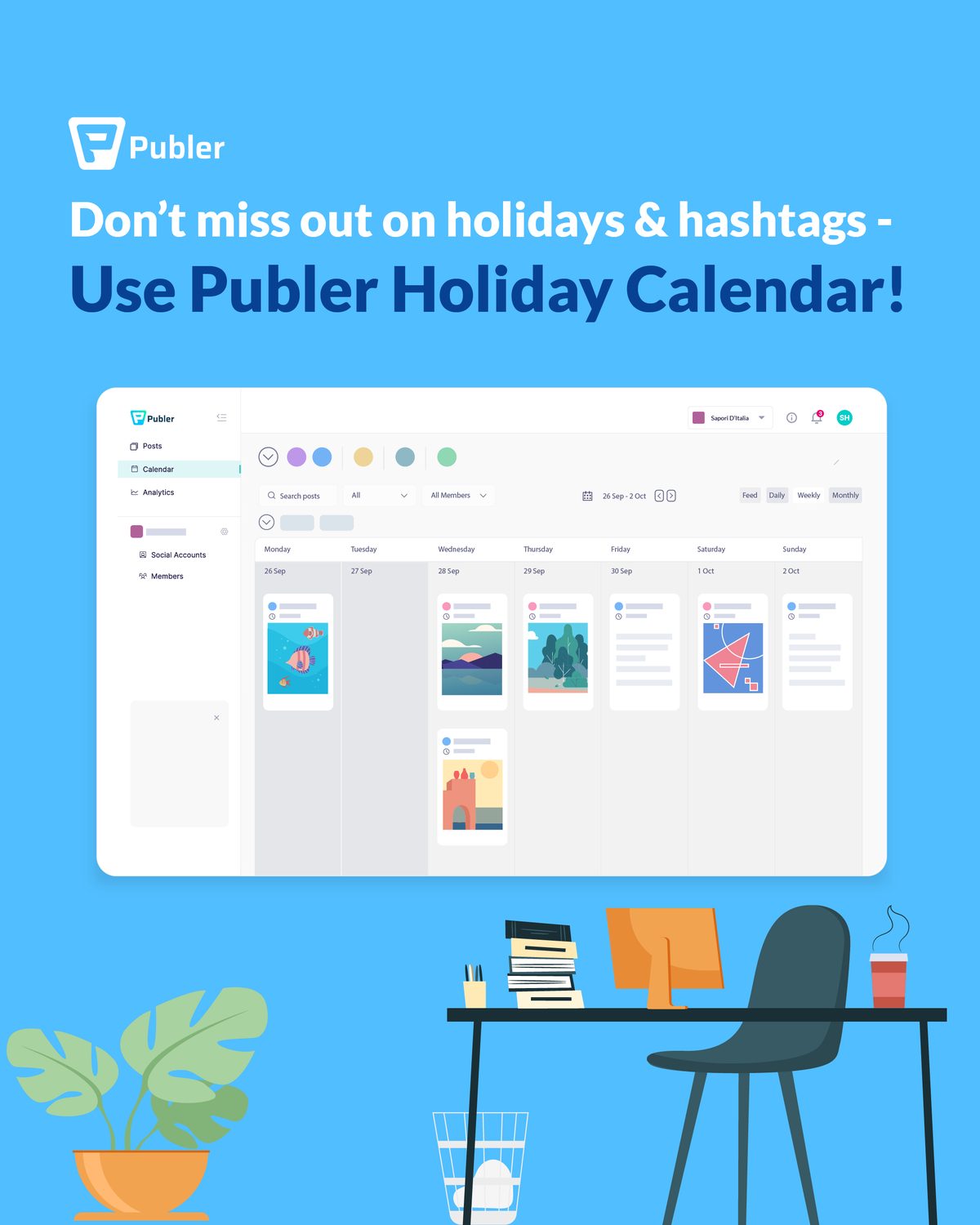
At its core, Publer is a scheduling beast. You can schedule a single post to multiple platforms at once and fine-tune the wording per network, use the drag-and-drop Calendar View to see your entire content plan at a glance, and set a posting schedule so Publer automatically drops your content into your best time slots — previewing exactly how each post will look before it goes live.
Planning content for a specific network? Prep your assets first — see our guide to social media image sizes for 2026, and if you post to Instagram, learn how to plan for Instagram’s new 3:4 grid before you schedule.
2. Bulk Upload & CSV Scheduling
Need to schedule 100 posts at once? Publer’s bulk upload and CSV import let you load an entire content calendar in minutes instead of hours. This alone is a massive time-saver for anyone running content at scale.
3. Recycle & Recurring Posts
Your best content shouldn’t die after one post. Publer lets you recycle evergreen posts on a recurring schedule, so your top-performing content keeps working for you automatically — perfect for affiliate links, offers, and cornerstone content.
4. Publer AI Assist
Staring at a blank caption box? Publer’s AI Assist helps you generate captions, come up with post ideas, rewrite text, and even create images — right inside the composer. It turns “I don’t know what to post” into a finished, on-brand post in seconds.
5. Built-In Analytics
You can’t improve what you don’t measure. Publer’s analytics show you how your posts, accounts, and audience are performing, so you know what’s working and can double down on it — tracking engagement, growth, and your best-performing content across platforms.
6. Link in Bio
Publer includes a Link in Bio tool, so you can turn your single social bio link into a mini landing page that points followers to your website, offers, or affiliate content. For affiliate marketers, this is quietly one of the most valuable features in the whole suite.

7. Team Collaboration & Workspaces
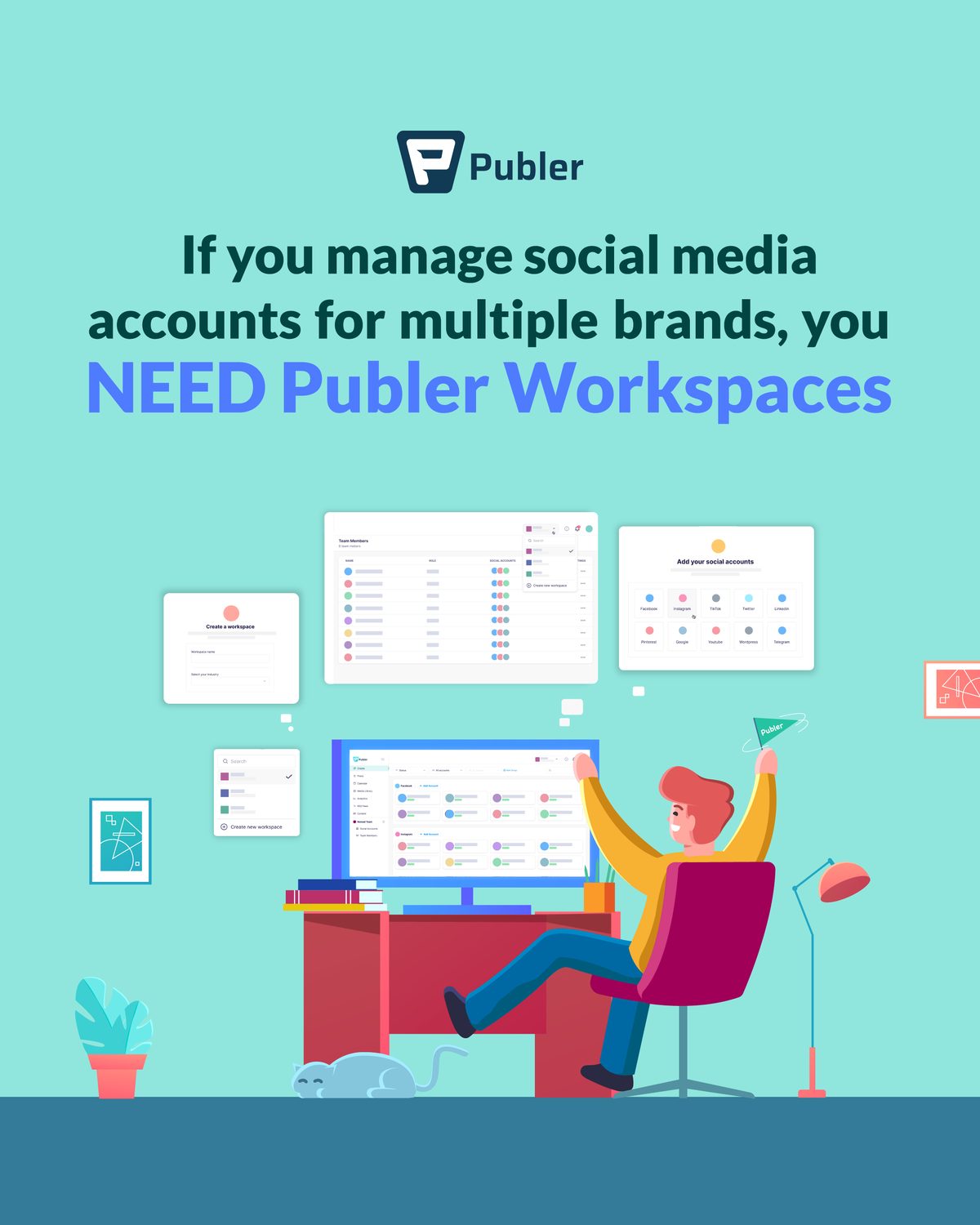
If you work with a team or manage clients, Publer’s workspaces, team members, roles, and approval workflows let everyone collaborate without stepping on each other. Admins get more privileges, contributors can submit posts for approval, and you can approve or reject content before it ever goes live.
8. Handy Extras That Add Up
- Watermarks to protect and brand your media
- Signatures automatically appended to posts
- First comments (great for hashtags and links on Instagram)
- URL shortener built in
- RSS Feed auto-posting to share content automatically
- Media Library to keep all your assets organized
- Canva & VistaCreate integrations for on-the-fly design
- Browser extension to schedule from anywhere
- Dark Mode for late-night scheduling sessions
- Two-Factor Authentication (2FA) for account security
Publer Pricing
Publer keeps pricing refreshingly simple with a free plan plus affordable paid tiers:
- Free — Connect a few social accounts and try core scheduling. No credit card required. Great for testing the waters.
- Professional — For creators and solopreneurs who want the full feature set: AI Assist, analytics, recycling, more accounts, and more scheduled posts.
- Business — For teams and agencies that need collaboration, workspaces, advanced analytics, and higher limits.
Paid plans are billed per social account, so you only pay for what you actually use — and there’s a discount when you pay annually.
💡 Pricing and plan limits do change, so check Publer’s current pricing here for the latest numbers.
Publer Pros & Cons
👍 What I love
- Supports basically every major platform in one dashboard
- Bulk scheduling + CSV is a huge time-saver
- Recycle/recurring posts keep evergreen content alive
- AI Assist removes the “what do I post?” bottleneck
- Generous free plan to start
- Clean, beginner-friendly interface with iOS/Android apps
- Affordable compared to Hootsuite, Buffer, and Sprout Social
👎 Worth keeping in mind
- The huge feature set means there’s a small learning curve at first
- Pricing is per-account, so very large account counts add up
- Some platform features (like certain Stories/Reels) rely on push notifications to your phone
Honestly, for the price, the cons are minor. The value here is excellent.
How to Get Started with Publer (Step by Step)
- Create your free Publer account here — no credit card needed.
- Connect your social accounts — Facebook, Instagram, TikTok, LinkedIn, and the rest.
- Add your content — write a post, upload media, or let AI Assist draft it for you.
- Schedule it — pick a time, use your posting schedule, or bulk-upload a whole calendar.
- Analyze & optimize — check your analytics and recycle what performs best.
That’s it. Within an afternoon you can have weeks of content scheduled and running on autopilot.
Frequently Asked Questions
Is Publer free?
Yes — Publer offers a free plan with no credit card required, so you can test it before upgrading. Start free here.
What platforms does Publer support?
Facebook, Instagram, TikTok, YouTube, X/Twitter, LinkedIn, Pinterest, Google Business Profile, Threads, Mastodon, Telegram, and WordPress.
Can Publer post automatically?
Yes. Once content is scheduled, Publer publishes it automatically for most platforms. A few features (like certain Instagram/Facebook Stories and Reels) use a push notification to your phone to complete posting, due to platform limitations.
Does Publer have an AI writer?
Yes — Publer AI Assist can generate captions, post ideas, and even images inside the composer.
Is Publer good for agencies and teams?
Absolutely. Workspaces, team roles, and approval workflows make it a strong choice for teams and client work.
The Verdict
If you’re serious about staying consistent on social media without burning hours every week, Publer is one of the best value-for-money tools you can pick up in 2026. It combines scheduling, AI, analytics, collaboration, and a Link in Bio tool into one tidy platform — and it starts free.
For creators, small businesses, and affiliate marketers especially, it hits the sweet spot of powerful but affordable.
👉 Get started with Publer for free today and take social media scheduling off your plate for good.